The AI Memory Problem: How I Built a Second Brain for My Agents
The biggest challenge with AI right now, at least for me, is that whoever has the best model keeps changing every six months. I started with ChatGPT, like probably most of you. From there I tried Gemini Pro for a while. Then I moved over to Anthropic and now I use Claude Code for work every day. The landscape keeps shifting, and so does my tool stack.
Here is the problem that comes with that. When I talk to Claude Code, it doesn't remember what I worked on in ChatGPT yesterday. The open Claude agent I have running in the background doesn't remember either. Every session starts from zero, and every switch between tools is a cold start where I re-explain my tech stack, my role, my coding style, and the project context. Again and again.
Of course, the AI companies noticed. Every one of them is now shipping some kind of memory feature. And of course, they made these memory features as sticky as possible. Once you have a few months of context inside Anthropic's memory, switching to OpenAI means leaving that behind. If you are a developer, you might actually export it somehow. But for a non-developer that would have to pull their context out of a proprietary format and reimport it somewhere else, that alone is enough to keep them from switching. And even if you do export, how do you know that ChatGPT handles your context as well as Claude did? You don't, actually. Not until you have already committed.
So what I wanted was a memory system I own. Shared across every AI chat I use and every agent I spin up. Portable enough to outlive whichever model happens to be on top this quarter.
How I got there
It took a few iterations to land on something that actually worked.
Text files on my desktop
The first version was embarrassingly simple. I had a folder with a few markdown files. A main context file, an "about me" file, a business context file. Maybe fifty lines each. Whenever I opened a new chat in ChatGPT or Claude, I would drag those files into the chat window to prime the session. That was it. Crude, but it worked.
The limits showed up fast. The files drifted out of date, I had to maintain them manually, and dragging files into a web UI every time I started a conversation is friction. Not to mention that there was no way to share this context with a background agent I couldn't drag files into.
Notion and the Notion MCP
A natural next step was to move everything into Notion. I already had a lot of content there, and the Notion MCP meant that my AI tools could read it directly. On paper, this looked perfect.
In practice, it didn't. The Notion MCP creates a lot of context load. It exposes a lot of tools that an AI basically does not need: views, filters, database queries, page hierarchies. Those tools are made for humans to click around in, not for an AI to read context from. Every query has overhead. What I wanted was a memory system focused on AI and on agents, not on me as a human browsing a wiki.
Obsidian and the graph view
From there I went to Obsidian. I had used Obsidian in the past for a personal knowledge base, and I loved the file-based data structure. Every note is just a markdown file on disk. No database, no proprietary format. That was the direction I wanted to go.
But Obsidian is also made for humans. The graph view is especially beautiful. I still enjoy scrolling through it and seeing how my notes connect. The thing is, the graph view is a human feature. An AI does not need a graph view. It doesn't scroll or click around visually.
What an AI actually needs is to understand the references between files. And for that, a direct markdown link with a relative path beats a wiki link every time. Wiki links like [[Some Note]] need a special resolution layer to map the name to an actual file. That resolver lives inside Obsidian. Claude Code doesn't have it. Neither does ChatGPT. If you want an AI to follow a reference, you need to give it something it can follow without any special tooling. [some note](path/to/file.md) just works.
So I dropped Obsidian as the runtime and kept the idea. File-based, markdown, nothing proprietary. Just without the human-first layers on top.
The architecture
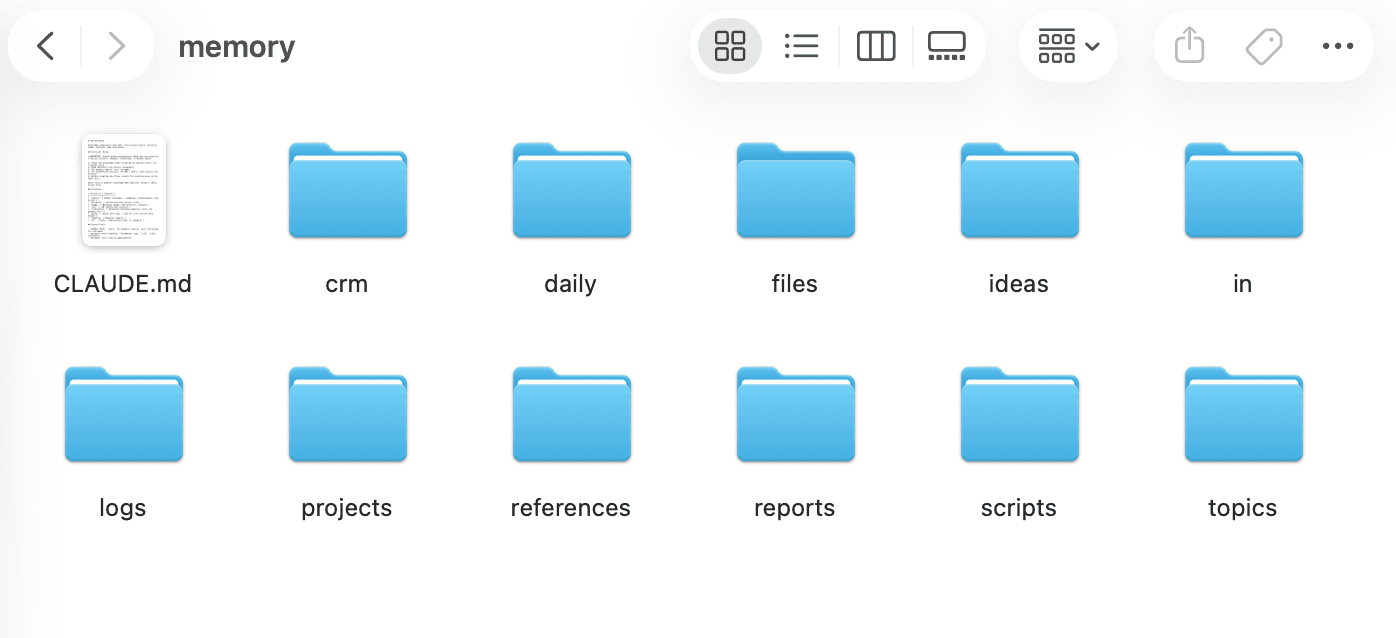
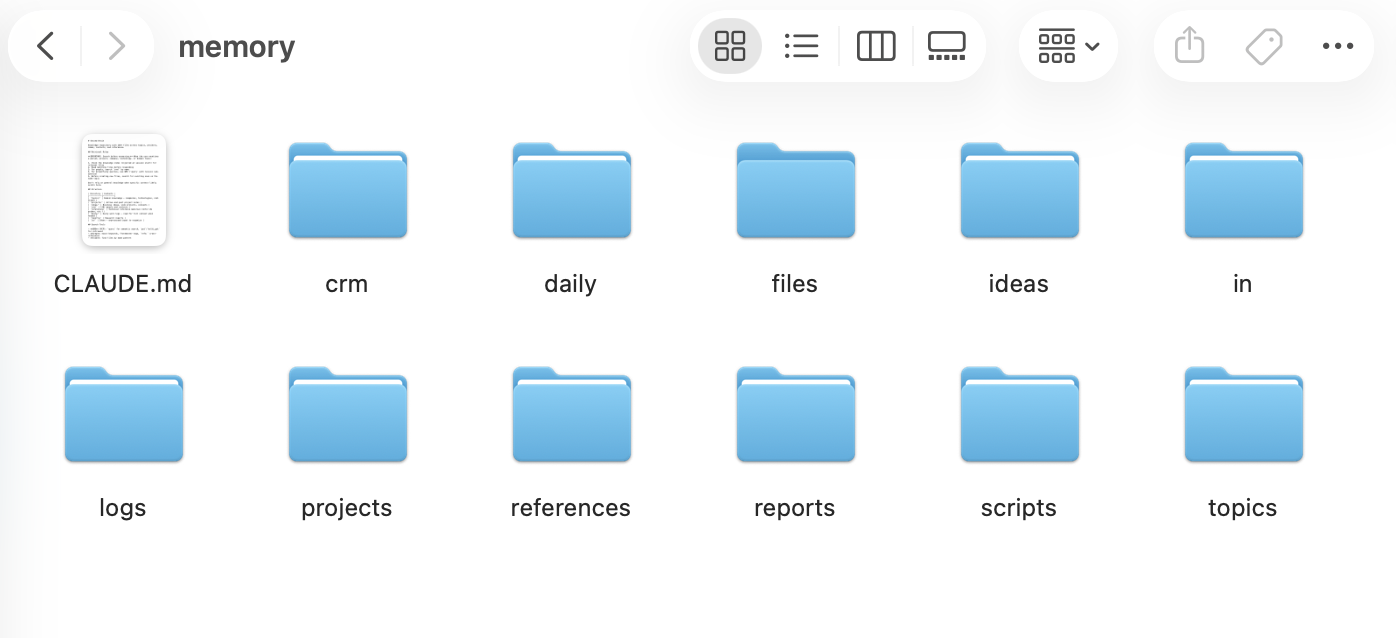
~/memory/
├── MEMORY.md          # Index file - always loaded
├── user/              # Who I am, preferences, role
├── feedback/          # Corrections that apply across sessions
├── projects/          # Ongoing work context
└── references/        # External system pointers
It's a git repo. That's the whole trick. Git gives me:
- Version history (what the memory looked like at any point in time)
- Sync between machines (Mac Mini + MacBook Air + Windows desktop)
- Conflict resolution if two agents write at the same time
- No dependency on any external service
How it syncs
I have two machines I use daily: a MacBook Air for day work and a Mac Mini for overnight agent runs. There is also a desktop I use for gaming that occasionally runs agents, but let's keep it simple with the two Macs. Both have the memory repo cloned locally. When I start a session on either machine, a hook pulls the latest memory. When the session ends, another hook commits any new memories and pushes them.
The sync is automatic via git hooks:
- Session start → git pull
- Session end → git commit + push
No iCloud, no Dropbox, no sync service. Just git. It works because memory files are small plain-text markdown, which rarely conflicts.
What goes in each directory
user/ — Things about me that shape how the AI should work. My role (Head of Product Configuration), my skill level (senior, 10+ years), my communication preferences (terse, no fluff). The AI reads these and calibrates.
feedback/ — Corrections and confirmed approaches. When I tell the AI "don't mock the database in tests" or "yes, bundled PRs are better for this repo," that goes here. Over time this accumulates into a behavioral profile. The AI stops making mistakes I've already corrected.
projects/ — Context about ongoing work. Deadlines, decisions, who's doing what. "Content strategy for lujo.dev, 12-week plan, currently on Week 3."
references/ — Pointers to external systems. "Bug tracking is in Linear project INGEST." "Oncall dashboard is at grafana.internal/d/api-latency." Things the AI can't derive from the code.
The MEMORY.md index
MEMORY.md is the entry point. It's loaded into every conversation automatically. Each line is a pointer to a memory file with a short description.
- [User profile](user/profile.md) - Senior eng, Head of Product Config, prefers terse responses
- [Content strategy](projects/content-strategy.md) - 12-week blog plan for lujo.dev
- [Two-machine setup](references/two-machine-setup.md) - Mac Mini + MacBook Air architecture
This is the crucial part, actually. Load too much in the index and you bloat the context window. Load too little and the AI misses what it needs. The index is where I curate what a new session starts with. From there, the AI picks the specific files it wants to read.
What I learned
Memory gets stale
This was the biggest surprise. Memory that was accurate last month might be wrong today. A project reference that says "currently migrating from Pages to App Router" is misleading once the migration is done.
I don't have a great automated solution for this yet. What I do: review the directory every so often and delete or update stale entries. It's manual and I probably don't do it often enough. The AI is supposed to verify memories before acting on them. Check that a file still exists, that a pattern is still used. But it doesn't always do this. Stale memory that gets trusted blindly is worse than no memory at all.
Quality matters more than quantity
Early on I saved everything. Every decision, every correction, every piece of context. The index got huge and the AI spent more time reading memory than doing work.
Now I'm selective. A memory is worth saving if:
- It would take the AI more than one round of exploration to figure out on its own
- It applies across multiple sessions, not just the current one
- It's not derivable from the code or git history
If you can get the information from git log or by reading the code, don't put it in memory. Memory is for the stuff that isn't captured anywhere else.
Feedback memories punch above their weight
The feedback/ directory has the highest impact per file. Each one is a correction I made once that applies forever. "Don't add trailing summaries to responses." "Prefer single bundled PRs for refactors." "Always check auth on new API routes."
After a few dozen feedback memories, the AI starts behaving the way I want by default. New sessions feel like continuing a conversation with someone who knows me, not onboarding a stranger. The catch is that not every agent reads them consistently. Some load them and adjust their behavior, others ignore them unless prompted. There is still some trial and error around which setups actually respect the feedback files.
10 questions against the memory system
I ran 10 real questions against the memory system to see how often it actually finds the right file. Mix of things I'd ask day-to-day, plus a few edge cases to see where it breaks.
| # | Question | Memory found? | Quality (1-5) | Notes |
|---|---|---|---|---|
| 1 | What's my 12-week content plan for lujo.dev? | Yes | 5 | Hit projects/lujo-dev-content-strategy.md. Full week-by-week plan, no ambiguity. |
| 2 | How do I dispatch a long task to the Mac Mini? | Yes | 5 | Hit references/two-machine-setup.md plus the global CLAUDE.md. Exact command format. |
| 3 | Which aero wheels was I researching for 2026? | Yes | 4 | Hit topics/road-bike-2026-aero-wheels-research.md. Solid shortlist, some prices outdated. |
| 4 | Which agent orchestration patterns have worked for me? | Yes | 5 | Hit topics/agent-patterns.md. Distilled patterns from past projects, ready to reuse. |
| 5 | Who am I, what's my role and preferences? | Yes | 5 | Hit topics/user-profile.md. This is the one agents should read first. |
| 6 | What's the status of the kuechenzwerge website? | Yes | 3 | Hit projects/kuechenzwerge.md but last_verified was 2 months old. Needed a refresh. |
| 7 | Do I use em dashes in my writing? | Partial | 2 | Only in the project-scoped memory for thejoecode. Global memory didn't know. This blog post had 13 em dashes because of that gap. |
| 8 | What's my preferred commit message style? | No | 1 | No memory exists yet. Agent guessed from git log, which is fine but inconsistent across repos. |
| 9 | Which test framework does thejoecode use? | No | 1 | Not in memory, which is correct. This is code-derivable. Agent grepped package.json and answered. |
| 10 | What did I commit to main this week? | No | 1 | Not memory's job. Git log is authoritative. Agent went straight to git log. |
Takeaway: 6 clean hits, 1 partial, 3 intentional misses. The misses on 9 and 10 are by design. Memory should not duplicate what the code or git already knows. The partial on 7 is a real bug. The miss on 8 is a gap I should fill with a feedback memory.
The cross-machine benefit is underrated
When I spec a task on my MacBook Air during the day, the context goes into memory. When the Mac Mini picks up that task at night, it has the same context. No separate briefing needed for the overnight agent.
Before the memory system, I'd write long task specs with all the context baked in. Now I write shorter specs because the memory fills in the gaps. "Continue the blog header refactor from yesterday" works because the memory system knows what happened yesterday.
Why not Notion, or one of the vendor memory features?
Notion I already covered. The MCP is heavy and most of the surface area is built for humans browsing a wiki. It's fine for human-readable organization and collaboration. It's just not the right shape for AI context.
The vendor memory features (ChatGPT's memory, Claude's project memory) are useful within one tool. But they are by design locked to the tool. That's the exact problem I started with. If I decide tomorrow that Gemini is now ahead and I want to try it for a week, I don't want to start from scratch or run an export script. I want to point the new tool at the same folder.
The file-system approach works because:
- AI tools already read files from disk
- Markdown is the native format for AI context
- Git handles versioning and sync
- No API keys, no rate limits, no vendor lock-in
- Works offline
Is this the right approach?
Honestly, I don't know yet. The memory system solves a real problem, but it's early. A few things I'm still figuring out:
- Automatic cleanup. How do you know when a memory is stale without checking manually? I want to tag memories with a "review by" date but haven't implemented it yet. Right now I'm experimenting with a git-tracked log file that records when each memory was last referenced by an agent. If a memory hasn't been referenced in three months, it gets flagged for review and possibly archived.
- Conflict resolution. Two agents writing memory at the same time works fine with git, but the merge can produce weird results. Hasn't hit me badly yet.
- Relevance scoring. The AI reads the MEMORY.md index and guesses which files to load. Sometimes it guesses wrong. A smarter retrieval system would help, but it adds complexity. Which is why I keep coming back to "is flat markdown enough?" For the scale I'm at (100–200 files), it is.
- Vector search. At some point a vector database becomes useful for semantic retrieval. For now, for around 200 files of around 200 lines each, the flat index works well enough. Beyond that scale I'd reconsider.
What I can say is this: going back to sessions without memory feels like going back to a terminal without command history. You don't realize how much context you were re-establishing every time until you stop having to.
If you use AI coding tools regularly, even a basic memory system is worth building. A single markdown file with your preferences and project context, committed to git, synced between machines. Start there. You'll know what to add next within a week.